

What changes
With a regular friend, an alarm you make for them lands in their notifications and they tap to join. Until they do, it doesn't ring on their phone.
With a trusted friend, the alarm is on their phone the moment you save it. They get a notification that says who set it, "@you set an alarm for you", and it rings at its time like any alarm of theirs.
- Mutual. You both can set alarms for each other.
- Three trusted friends each. Friends shows Trusted friends · 0 of 3 until you add one.
- Two a day each. Each of you can put 2 alarms a day straight onto the other's phone. A third that day goes to them as an ordinary invite, and you are told it will ask first.
- Always yours to change. An alarm a trusted friend set is on your phone like any other: turn it off, snooze it or delete it.
Add a trusted friend
You both need the LFG Alarm app, and you need to be friends already. See Friends and groups.
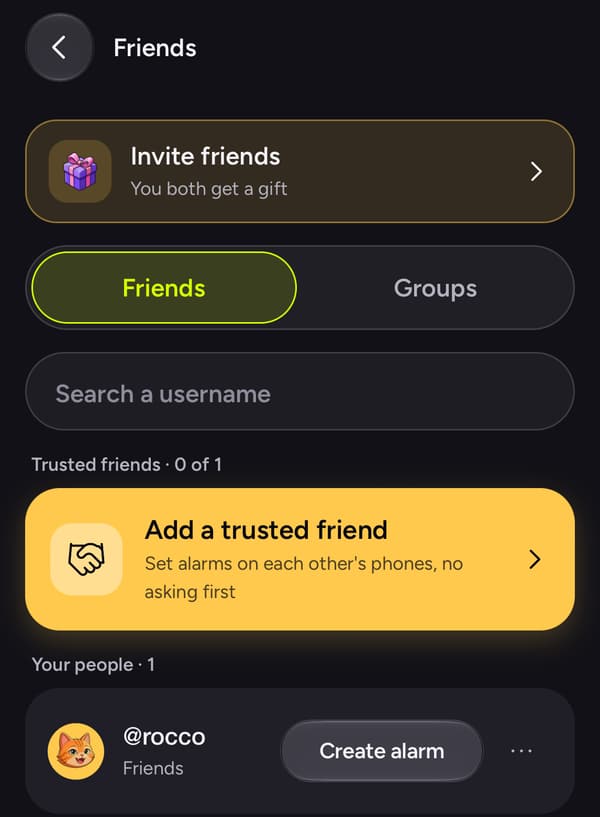
- Open Settings (your picture, top right) and tap Friends.
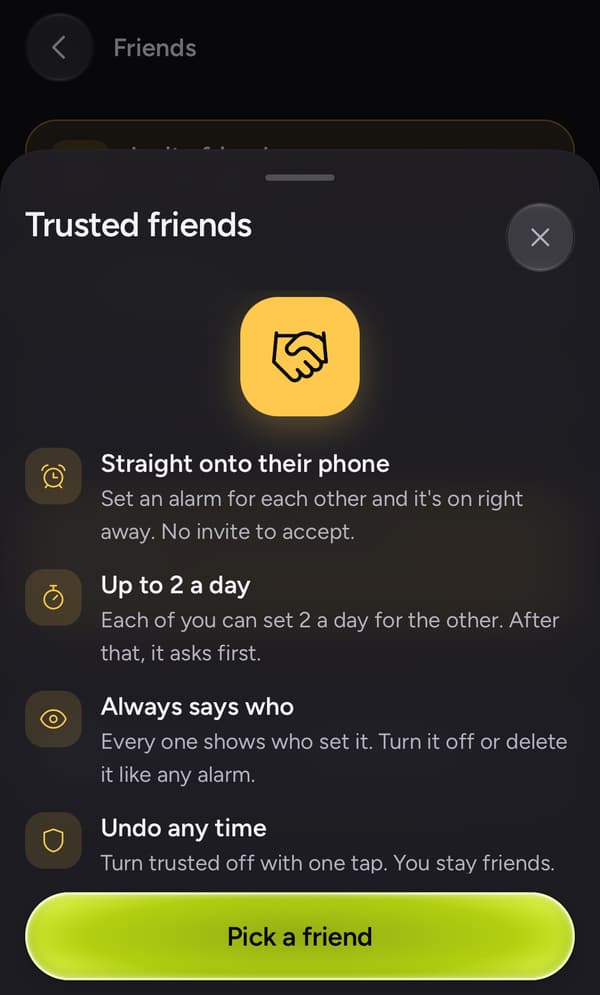
- Under the search, tap Add a trusted friend. A sheet says what it means.
- Tap Pick a friend and choose them.
- Tap Get the code. Your phone asks for its unlock: Face ID, Touch ID, a fingerprint, or your passcode or PIN.
- A six-digit code shows, good for 2 minutes. Read it to your friend, in person or on a call.
On their phone:
- They get a notification, "@you wants to be trusted friends". Tapping it opens Friends with the code sheet up. The request also shows on their Friends tab with Respond.
- They type the code, tap Confirm, and unlock their phone.
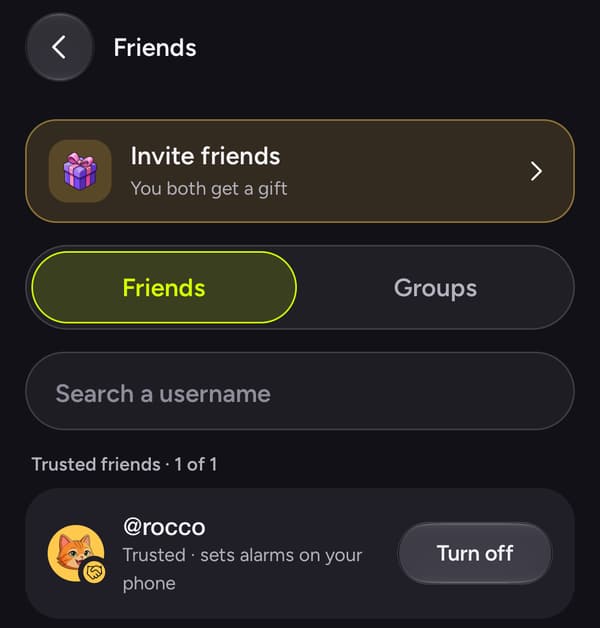
- Both phones say you are trusted, and their row moves under Trusted friends.
Set an alarm on their phone
Make any alarm with them on it, the way you would with any friend:
- In Settings > Friends, tap Create alarm on their row, or
- add them to an alarm's list in its reach (who can open it).
When you save, it is on their phone. Nothing else to do.
Turn it off
On the Trusted friends row, tap Turn off. One tap, no reason asked, on either phone. You stay friends, and alarms already set stay where they are. The other person gets a quiet note that trusted is off.
Unfriending or blocking someone ends trusted too.
Saying no
If someone asks and you would rather not, tap Decline under Confirm. The request goes away and they aren't told. They can't ask you again after that; if you change your mind, you ask them.
Why it takes a code
So that nobody, and no script or bot, can make you someone's trusted friend without you:
- The code only works for the one friend it was made for, and only typed on their phone. We never send it anywhere. A person has to read it out.
- It lasts 2 minutes and stops after 5 wrong tries.
- Each phone asks for its own unlock before its step.
- A request reaches the same person once a day at most, and nobody can make more than a few codes a day.
From your AI agent
An AI app connected to LFG Alarm can't make someone your trusted friend; that is only ever done by hand, on both phones. Once you are trusted, an alarm your AI app makes with your trusted friend on it goes straight onto their phone, like one you make yourself. Rocco can explain the steps but can't do them for you either.
See also Friends and groups, Sharing and reach and how to set an alarm on someone else's phone.