

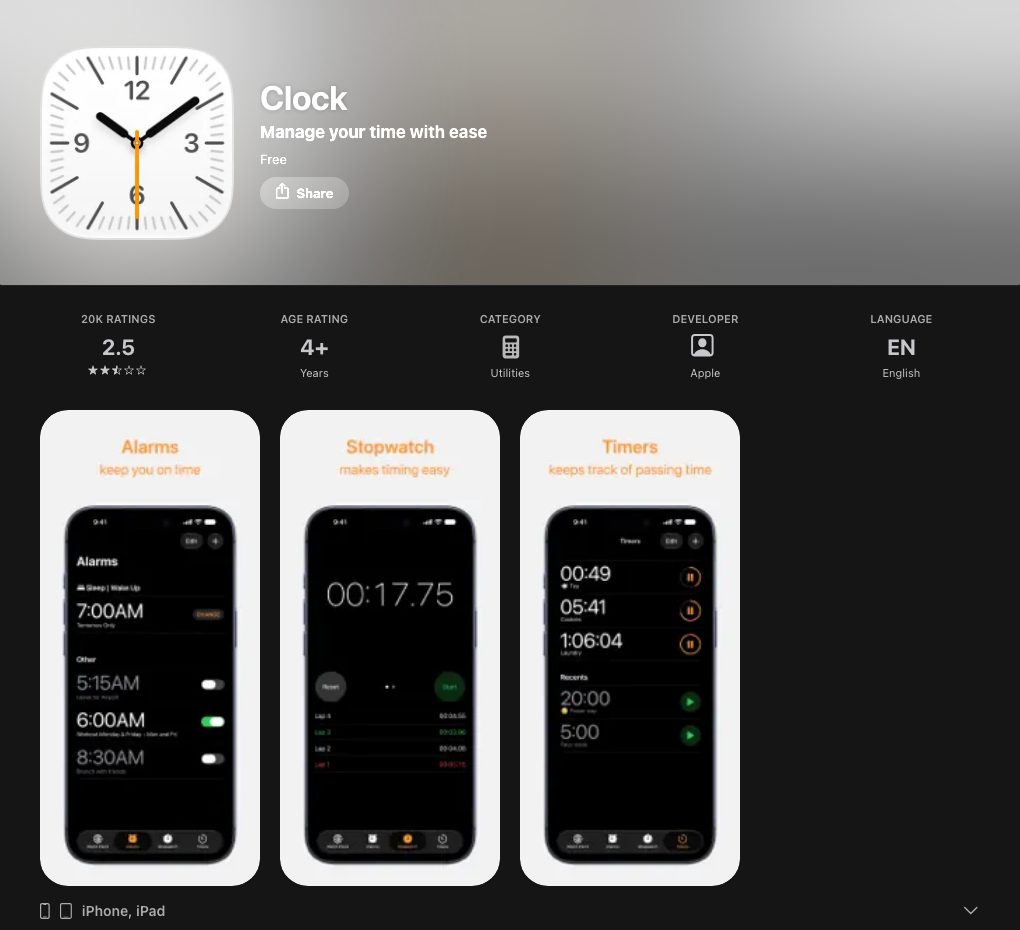
At a glance
| Apple Clock | LFG Alarm | |
|---|---|---|
| Main idea | Apple's built-in clock: alarms, world clock, stopwatch, timers | Alarms for times and moments, shared with friends |
| Wakes your friends too | No | Yes: share one link; every phone that joined rings together |
| Rings for a moment, not a time | No | Yes: a social media post, a stream going live, a token price, an online event such as Luma or Partiful |
| Sleep | Sleep schedule with Health and Sleep Focus | No sleep tracking |
| Sounds | Built-in tones and Apple Music songs | Hundreds of songs, voices with attitude, sirens, your own recorded voice |
| Platforms | iPhone, iPad and other Apple devices | iPhone, Android and the web (lfg.gm) |
| Price | Free, built in | Free to download; some alarms need a paid plan |
Where Apple Clock is better
- Already on your phone. Nothing to install or sign up for.
- Part of iOS. Sleep schedule with Health, Sleep Focus, the world clock and timers.
- Free. No ads and nothing to buy.
Where LFG Alarm is better
- Waking more than one person. One alarm, one link, and every phone that joined rings at the same moment: your partner before the 3pm pickup, flatmates on the same 7:00, a whole group before a party.
- Friends who can see if you got up. The wake board shows who got up first, who snoozed and who slept in.
- Moments without a set time. Rocco, LFG's agent, watches the web and rings you when an account posts, a stream goes live, a token hits your number, or your own script calls the alarm's link.
- Every phone and the browser. iPhone, Android and the web, so a shared alarm works whatever phone your people have.
- Still a real iPhone alarm. LFG Alarm's time and event alarms use Apple's own alarm system, so they ring through silent mode and Focus like Clock does.
Which one should you get?
- Use Apple Clock for your own everyday alarms and timers.
- Add LFG Alarm when other people need to wake up or show up with you, or when the moment is online and has no set time.
Sources and further reading
Prices, ratings and features of Apple Clock were checked on 24 October 2026.
LFG Alarm is not affiliated with Apple Clock or Apple.
