

Why a group alarm beats a group chat
A group chat is where plans are made and then forgotten. A message about tomorrow's 6am run is one of hundreds by morning. A group alarm is the plan itself: it rings every phone at the moment, and the wake board shows who got up.
- Everyone is synced. One alarm, many phones, one moment.
- It is loud. A time or event alarm is a real alarm on both phones: through silent mode and Focus on iPhone, and full screen on Android even when the phone is locked.
- It carries the details. The name and wallpaper say what it is on the ring screen; the creator's note says where to meet; the call-to-action link opens the address or the playlist when people answer.
- You see who is up. The wake board lists who answered and how fast.
Set it up once
- Open Settings > Friends and add your friends by username, or send Invite friends to anyone not on LFG Alarm yet.
- Switch to Groups, tap Create a group, name it ("Sunday run", "Golf", "The flat"), pick an emoji and add people.
- Tap Save. Only you see your groups.
Then, every time
- Open the group and tap Create alarm with this group.
- Pick the kind of alarm: a time, an event from a Luma or Partiful link, a post on X, a price, or anything.
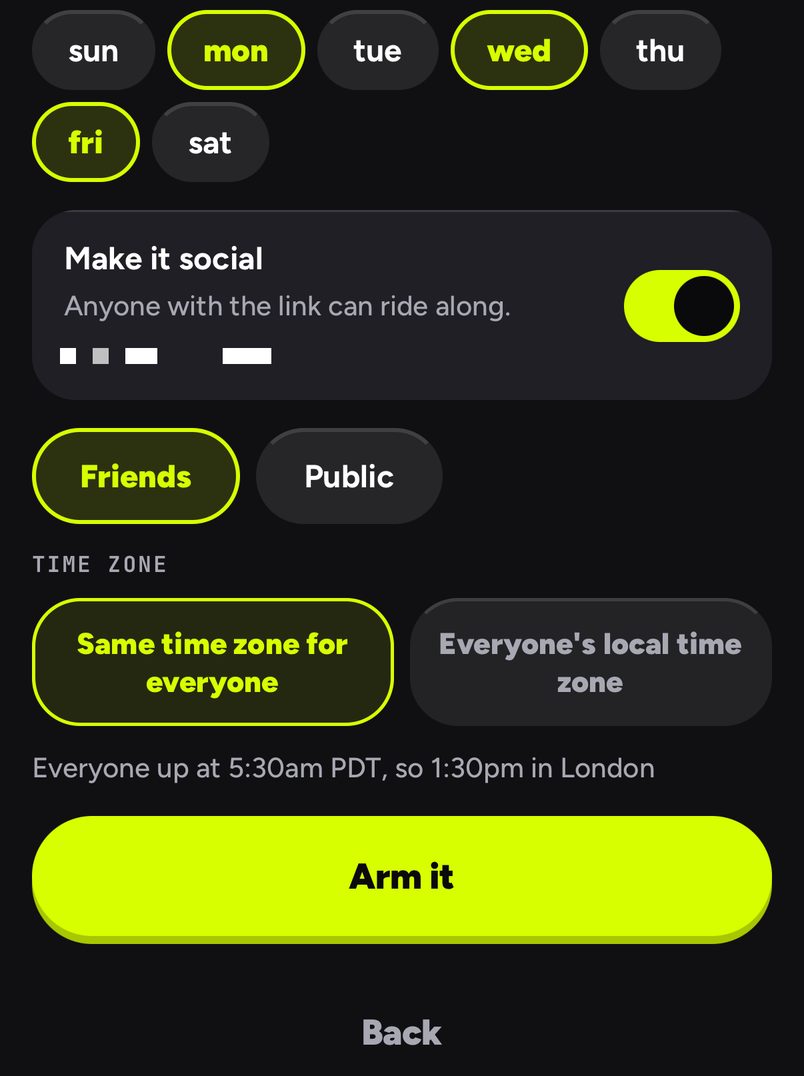
- Rocco walks you through it. The alarm is already shared with friends, with everyone in the group on its list.
- They get it in their notifications and tap to ride. When it rings, it rings for all of them.
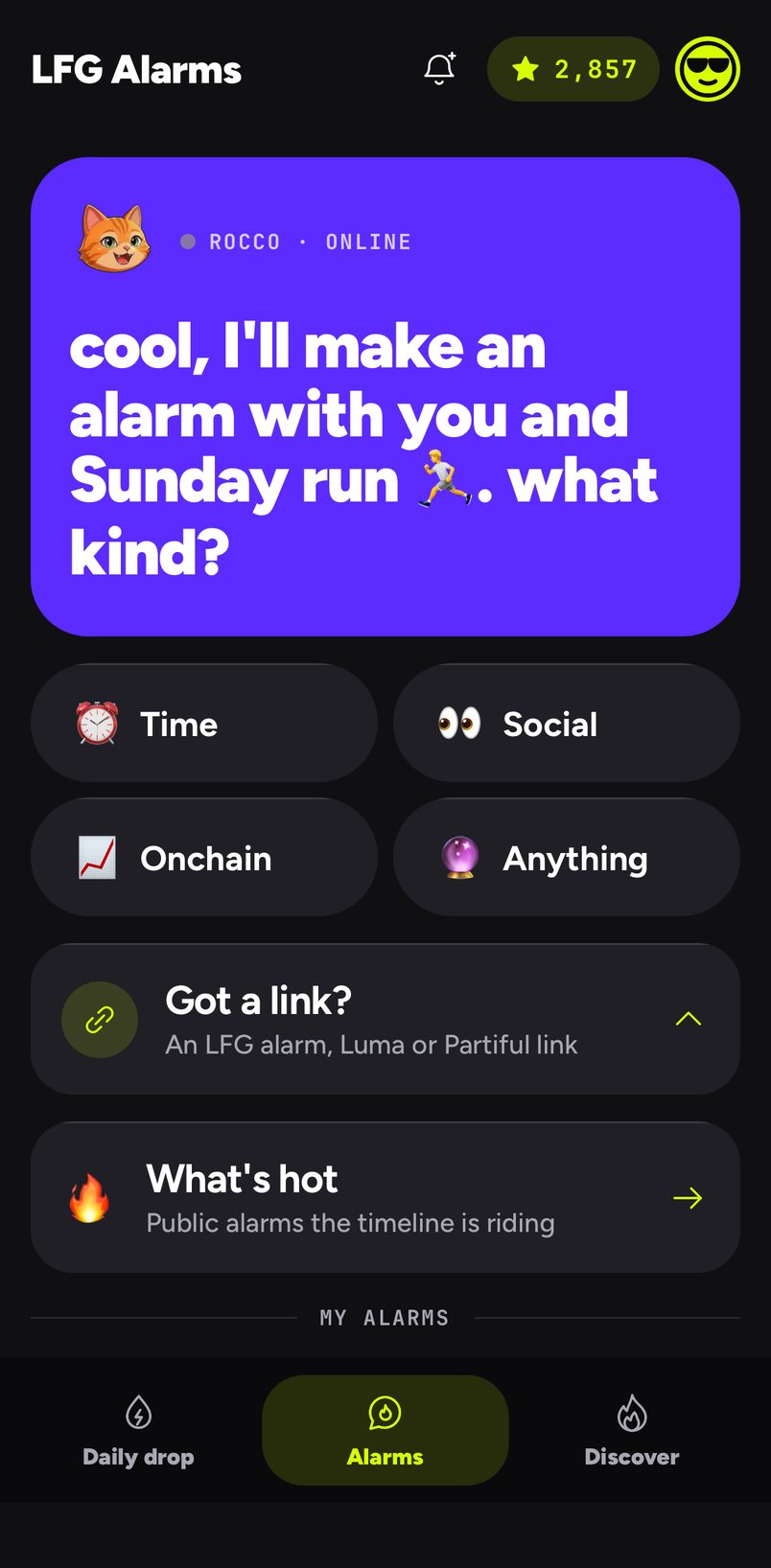
In a hurry? Hold a friend's row to pick a few people, then tap Create alarm with to skip the group altogether.
Three groups, in real life
The 6am crew. Five people from the same gym who keep saying they will train before work. Nadia saves them as a group called "6am" with a flexed-arm emoji. On Sunday night she opens the group, taps Create alarm with this group, and makes a repeating alarm for 5:45 on Monday, Wednesday and Friday. Each of them gets a notification and taps to ride. On Wednesday the wake board shows three people up inside ten seconds and one who snoozed twice, which is the whole conversation in the chat that morning.
The golf four. Tee time is 8:10 on Saturday, 40 minutes' drive away. Rob's "Golf" group gets a one-off alarm for 6:30 with the course in the call-to-action link, so it opens a map when they tap I'm up. He did not have to type four usernames.
The book club across time zones. Members in Sydney, Singapore and San Francisco meet on a call once a month. One alarm with Same time zone for everyone rings them all in the same second, and each person sees the time in their own zone. Nobody has to work out whose evening it is.
More ideas for groups
- The 6am run club. One time alarm, every weekday, with a song that gets people out the door.
- Golf on Saturday. Ring two hours before the tee time, with the course address as the link.
- The family. An alarm for the school run or for a call with grandparents. See the fastest way to get your whole family's attention.
- The trading chat. A price or trader alarm that rings the whole chat when it moves: full screen on Android even on Do Not Disturb, and a time-sensitive alert with its own sound on iPhone, so keep the ringer on. See crypto alarms on your phone and laptop.
- Roommates. Bin night, rent day, the landlord's visit. See one alarm for the whole group chat.
Across time zones
A shared time alarm rings everyone at the same moment by default, and each person sees the time in their own zone. Pick Everyone's local time zone instead when a club wants each person woken at their own 6:00. See Time alarms.
Have your AI agent make it.
Paste this into ChatGPT, Claude, Grok or any AI agent that can add a connector, not into the LFG Alarm app. The setup steps come with it: get the LFG Alarm app, connect it to your agent once, and your agent makes the alarm in your account.
Use LFG Alarm to make a friends alarm called "Sunday run" for 7:00 every Sunday, and add my friends [username], [username] and [username] to it. Then tell me who is on it.
Already have the LFG Alarm app and connected it to your AI agent?
Why it works. It names the alarm, the time, the repeat and the people in one go, and asks your AI agent to tell you who is on it, so you know it worked.
