A price alarm in LFG Alarm rings when a token reaches a price you set, or moves by a multiple or a percent from where it is now. It works for majors like bitcoin and ether and any token with a contract, and needs no exchange login or wallet. Rocco watches the price so you do not have to stare at the chart.
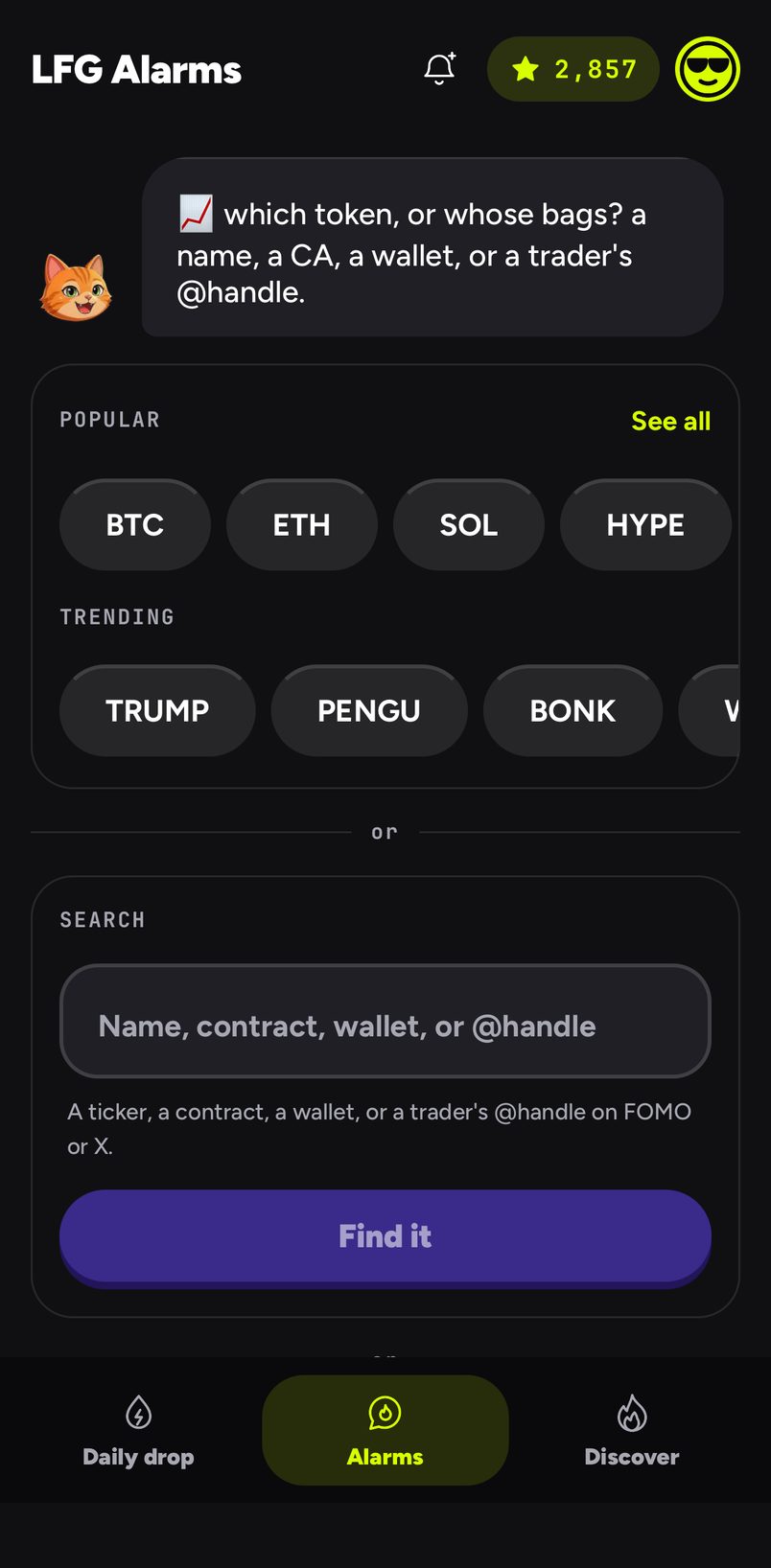
Find the token: tap a Popular chip (BTC, ETH, SOL, HYPE and more; See all for the rest), a Trending chip, or search by name, ticker or contract under Search and tap Find it.
If several coins share a name, pick the right one under Which one? by its address.
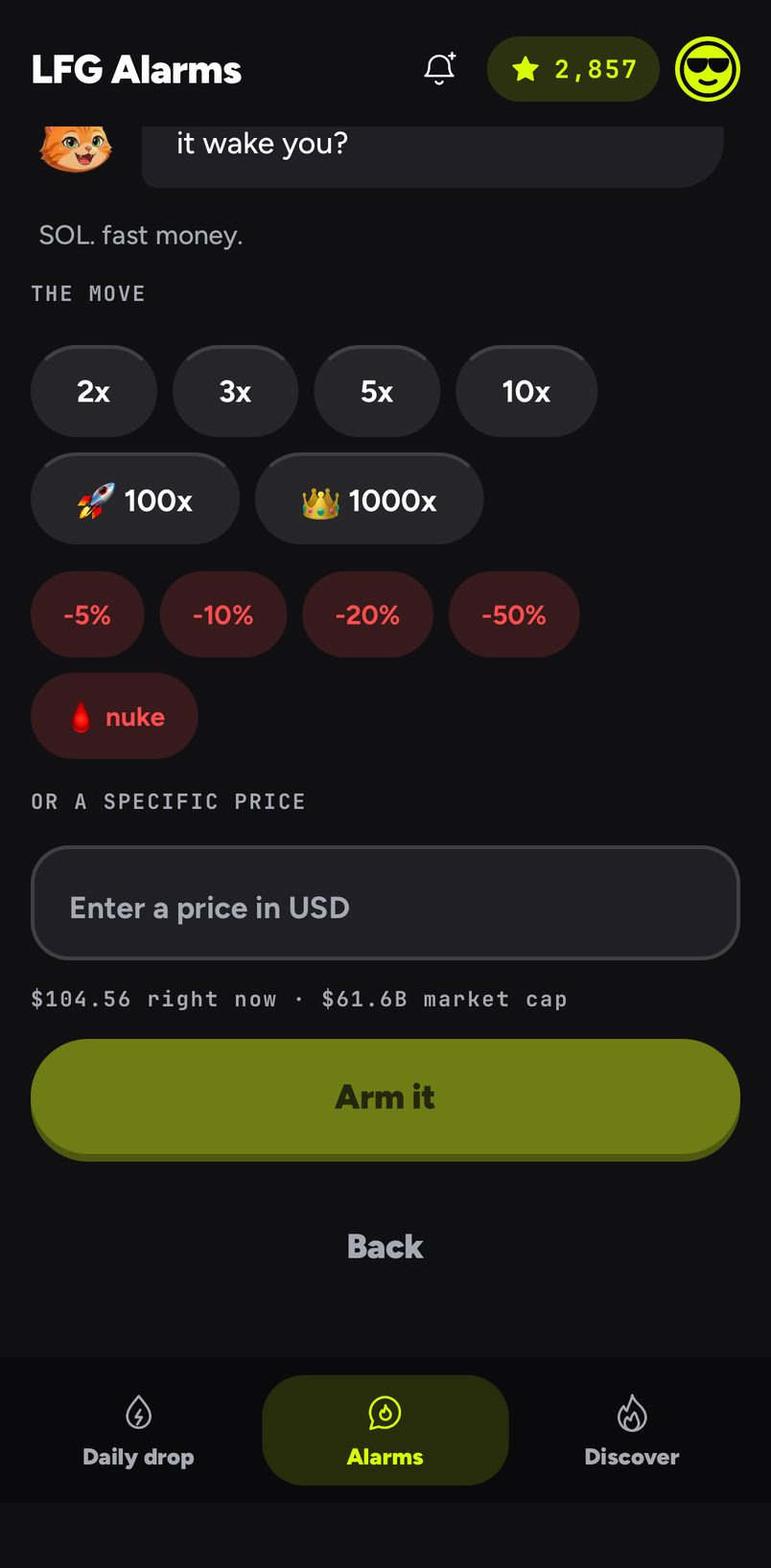
Under The move, tap a multiple (2x, 3x, 5x, 10x, 100x, 1000x) or a drop (-5%, -10%, -20%, -50%, or nuke for -99%). Or type a price under Or a specific price; the field shows the price and market cap right now.
Choose who it is for under Make it social and tap Arm it.
The Onchain start: Popular and Trending tokens, or search by name, contract, wallet or @handle
Picking the move for a SOL price alarm, or typing a price
Examples
A dip to buy. BTC, -10%, private, with a loud siren for the middle of the night.
A moonshot. A small token by its contract, 10x, shared with the friends who bought it with you.
A level. ETH, Or a specific price set to a round number above today's, so you hear the moment it breaks through.
Good to know
A specific price means "when it goes above".
A multiple or a percent is measured from the live price at the moment you arm it.
After it rings, a price alarm is done: the target was met once. Make a new one for the next level.
Typing a trader's @handle or a wallet address in the search takes you to a trades alarm instead.
On Android it rings as a full-screen alarm, even on Do Not Disturb. On iPhone it arrives as a time-sensitive alert with the alarm's own sound, which can come through Focus but respects the silent switch, so keep the ringer on.
It needs a connection: the server notices the move and tells your phone.
questions people ask
Can I trade from it?
No. It watches the price and wakes you. Nothing is connected and nothing is signed.
Which tokens work?
Majors such as BTC, ETH, SOL, BNB, XRP and HYPE, and any token you can find by name, ticker or contract.
Can a price alarm be public?
Yes. A community can share one alarm for a token they all watch, and it can appear in Discover. See also [A crypto price alarm that actually wakes you](/crypto-price-alarm), [Memecoin alerts](/memecoin-alerts) and [Crypto alarms on your phone and laptop](/crypto-alarms-phone-and-laptop).