

At a glance
| GMGN | LFG Alarm | |
|---|---|---|
| What it is | A memecoin trading terminal with wallet tracking and alert bots | A social alarm clock that rings for crypto moments |
| Follow a wallet by | Address on gmgn.ai; KOLs carry GMGN's own labels | A pasted address, a GMGN KOL by handle, or a FOMO trader by handle |
| How many | Up to 100 wallets on the website, 10 through the bot | A few KOLs, traders or wallets, each with its own alarm |
| Filter | All trades, buys only or sells only | Buys, sells, or both, over a floor |
| How it reaches you | Telegram bots (@GMGN_alert_bot for Solana, @GMGN_ETH_alert_bot for ETH) and the app | An alarm with its own sound on your phone |
| Trading | Yes, including copy trading | None: no wallet connection, nothing to sign |
| Share with friends | We found no mention of shared alerts | Friends alarms ring everyone at once; trader and token alarms can be public |
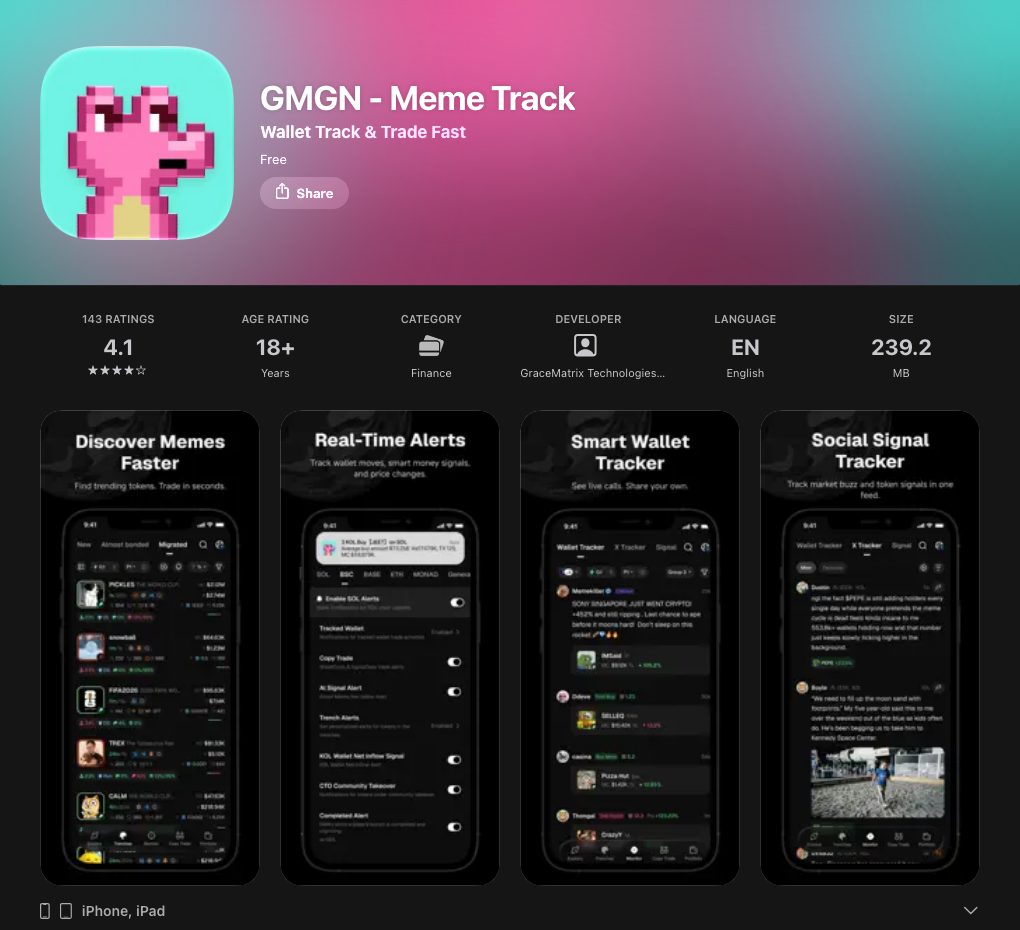
| Store ratings, as of 16 October 2026 | GMGN - Meme Track: 4.1 from 143 ratings on the App Store; 4.0 from about 1.6K reviews on Google Play, 100K+ downloads | New |
Where GMGN is stronger
- It is where the KOLs are labelled. GMGN's wallet labels are a big part of how people find KOLs and smart money on Solana. LFG Alarm leans on GMGN's KOL list for its own KOL alarms.
- Many wallets. Follow up to 100 wallets on the website.
- Trading on the spot. GMGN is a terminal, with copy trading. LFG Alarm does not trade and asks for no wallet at all.
- Apps on both stores, plus Telegram bots for Solana and ETH.
- Fine control in the bot. Use /set to choose all trades, buys only or sells only.
Where LFG Alarm is different
- An alarm, not a Telegram message. On Android it rings as a full-screen alarm, even on Do Not Disturb. On iPhone it arrives as a time-sensitive alert with the alarm's own sound, which can come through Focus but respects the silent switch; keep the ringer on. GMGN's own docs warn that Telegram rate limits can drop alerts at busy times.
- Follow a KOL by handle. Type the KOL's handle and pick a floor: over $100, $500 or $1k (default $500). No address hunting.
- Floors for wallets and FOMO traders too. A pasted wallet rings over $1k, $2k, $5k or $10k; a FOMO trader for buys over $5k, $10k or $25k, and every sell.
- Quiet after a ring. A trades alarm stays quiet for 15 minutes after it rings, so a burst of buys is one alarm.
- Your group on the same alarm. Share a KOL alarm with friends and everyone is rung at once.
- More chains for pasted wallets: Solana, Ethereum, Base, BNB, Arbitrum and Robinhood Chain.
When you close the terminal
GMGN is where a lot of memecoin traders spend the day: the KOL feed on one side, a new token's chart in the middle, the buy button ready. While the terminal is open, GMGN is hard to beat.
The gap is the hours it is closed. Nico trades on GMGN from 6pm to midnight. Overnight he holds two positions he entered after a GMGN KOL bought. The GMGN Telegram bot will tell him if that KOL sells, but at 4am Telegram is muted along with everything else, and the bot's own docs warn alerts can drop when Telegram is busy.
So before bed Nico opens LFG Alarm, types the KOL's handle, and sets Sells over $500. He also adds a FOMO trader he follows on Sells. When the KOL sells at 04:40, his phone rings. He opens GMGN, looks at the chart, and decides whether to follow. GMGN did the trading; LFG Alarm did the waking.
Which one should you get?
- GMGN if you want to research memecoins and wallets, trade, copy trade, or follow a long list of wallets in Telegram.
- LFG Alarm if there are a few KOLs or wallets you never want to miss, you want a real alarm when they trade big, and you want your friends woken too.
Many people use both: GMGN to find the KOLs, LFG Alarm to wake up when they move. Browse more in Smart money and KOL tracking.
Make a GMGN KOL alarm in the app
- On Alarms, tap 📈 Onchain. On lfg.gm, tap Create, then Onchain.
- Type the KOL's @handle, or tap Show me the top traders to see the KOLs trading now on GMGN.
- Check the card, pick Buys, Sells or both, and a floor of $100, $500 or $1k.
- Choose who it is for: just you, friends, or public. Tap That's it.
KOL alarms from an AI agent are coming; for now, make them in the app or on lfg.gm.
Sources and further reading
LFG Alarm is not affiliated with GMGN.
